
Guest service
Printing guest documents at hotel reception: a practical workflow
A printing workflow for small hotels in Azerbaijan: confirm pages, copies and price, accept files through an approved channel, and hand over documents privately.
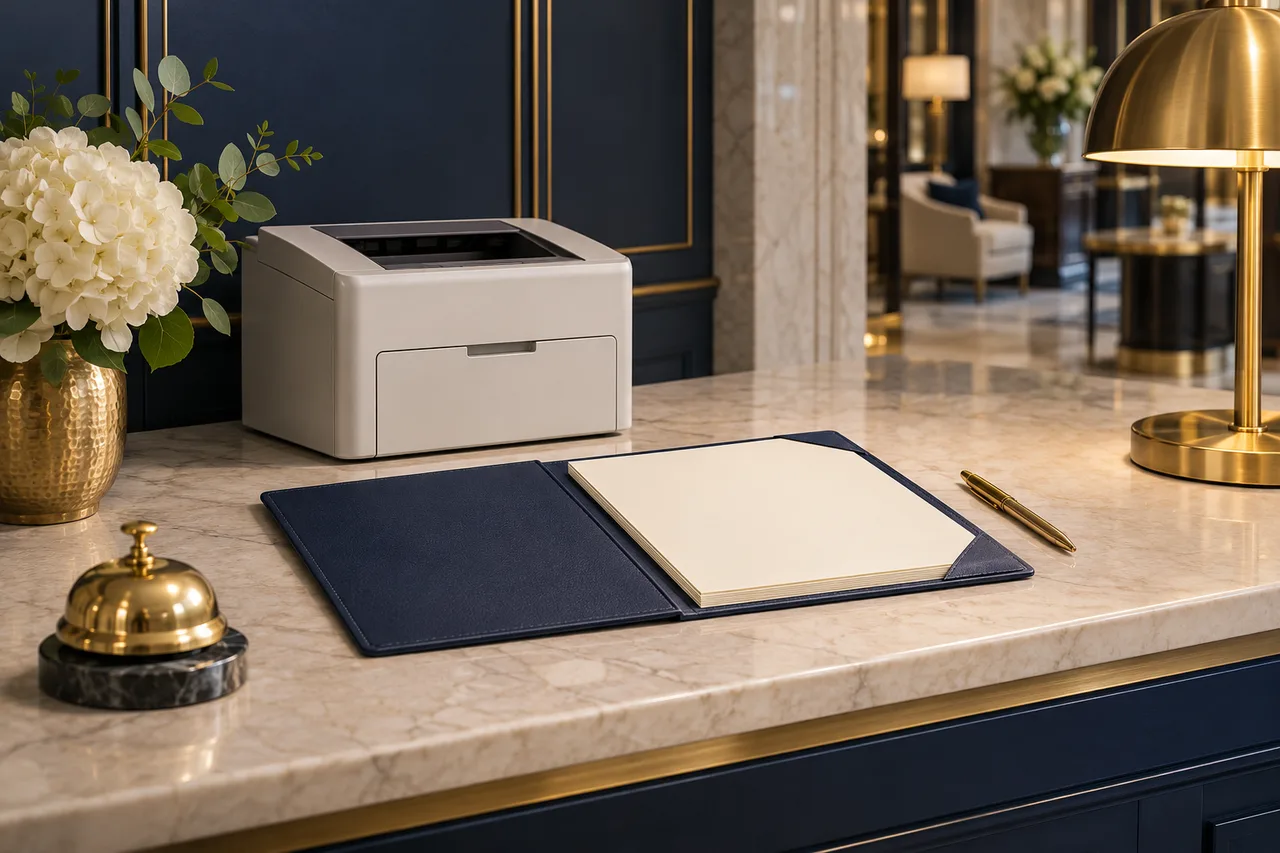
The short answer
Confirm the page range, number of copies, colour choice, paper settings, price and collection time before printing. Accept the file only through the hotel's approved channel, without requesting passwords or using personal accounts or unapproved USB devices. Check only what is necessary, collect the output promptly, hand it directly to the guest and follow the hotel's retention and disposal policy.
A guest needs a boarding pass; another needs two copies of a business document. First confirm printer capabilities, the agreed price and how the file will reach the workstation. An unclear request can produce wrong pages, unexpected charges or papers left in public view.
The New York Marriott Marquis services page lists printing among its business centre services. That is one property’s offering. The workflow below is an original operational example for small hotels in Azerbaijan, to adapt to their equipment and approved procedures.
Confirm the job before accepting the file
Ask which pages, how many copies and when collection is needed. Clarify whether “two copies” means two complete sets. Confirm colour or black and white, paper size, and one-sided or double-sided printing. Colour in a file does not imply a request for colour output.
Explain available options honestly. Get agreement if only black and white is available. Do not promise airline acceptance of a boarding pass or validation of a business document. The guest remains responsible for choosing the document and checking its contents.
Use this short confirmation table:
| Item | Confirm with the guest |
|---|---|
| File and selection | The intended file and exact page range |
| Quantity | Copies of the selected pages, not an ambiguous total |
| Output | Paper size, colour choice and single or double-sided |
| Charge | Approved pricing unit, unit price and final total |
| Timing | A realistic collection time after checking availability |
State whether pricing counts printed sides or physical sheets; these differ for double-sided jobs. Confirm any complimentary service and its limits. Obtain agreement before chargeable printing. If the page selection changes, recalculate and reconfirm the total; previous agreement does not automatically cover it.
Use the hotel’s approved intake channel
Give the guest the exact hotel-approved address or transfer method. Ask for the final file containing only the required material. Never ask for an email password, airline login or verification code. Do not sign into a guest account on the reception computer, use an employee’s personal email or messaging account, or connect an unapproved USB device.
If the file requires account access, ask the guest to prepare an accessible copy on their own device and send it through the approved channel. A blocked attachment or unfamiliar format is a reason to follow the hotel’s support procedure, not to disable protection or install a converter. If there is no approved way to accept the file, explain the limitation and check an alternative service with the guest.
Preview only what the job needs
Open the file using approved software. Check the selected range, page count, orientation and whether edges or essential codes would be cut off. Limit viewing to these production checks; do not read unrelated pages, search the document or copy its contents into a service note. Position the screen away from public view.
Check the selected printer and avoid unattended output trays. Resolve preview uncertainties with the guest. Test pages also expose information and can incur charges; avoid unnecessary extras. Follow trained steps for your job without disturbing other queued jobs.
Worked example: two pages, two copies
In this hypothetical example, the guest requests business-document pages 1–2, two complete copies, A4, black and white, one-sided. The hotel’s approved example tariff is AZN 0.30 per printed page, not a market price or recommended tariff.
- Two selected pages × two copies = four printed pages.
- One-sided output requires four sheets.
- Four × AZN 0.30 = AZN 1.20 total.
Read back the selection and total, obtain agreement and print once. For room charges, follow hotel authorisation and the guest folio procedure. Record the quantity and charge without attaching the guest’s document.
Collect, hand over and close the job
Collect pages promptly. Check quantities and obvious defects with minimal inspection. Keep pages face down or covered until directly handed to the intended guest using the hotel’s identification procedure. Do not announce document details across the lobby.
Resolve a jam before resending: check whether some pages already printed or remain queued. Agree how any reprint charge will be handled under hotel policy. Place rejected prints in the approved confidential-disposal process rather than an open bin.
Follow the hotel’s retention policy for received files, local copies and print jobs; use only authorised cleanup steps. Do not promise that every copy has been permanently erased. If collection crosses shifts, include the responsible colleague and pickup status in the shift handover, without reproducing document contents.
Sample confirmation message
Please send only the required file through [approved hotel channel]. We will print pages 1–2, two copies, A4, black and white, one-sided: four sheets at AZN 0.30 per printed page, AZN 1.20 total. Please confirm these details. After checking availability, we will agree a collection time. We do not need your account password.
Frequently asked questions
The guest offers a password. Should we accept it? No. Ask them to prepare the file themselves and use the approved intake channel.
Can we print the whole attachment to save time? Only if that is the agreed selection. Otherwise confirm the required pages before printing.
What if the guest leaves without collecting? Keep the papers in the designated restricted location and apply the hotel’s uncollected-document and retention policy. Do not leave them at the public counter or retain them indefinitely.
These guides are published by BirOtel. General methods, illustrative examples and current product capabilities are identified separately. Sources appear beside the relevant explanations.
[email protected]Explore these workflows for your own hotel
Use your room inventory and daily tasks to assess whether BirOtel fits your hotel in a live demo.