Reservations and sales
Hotel photography shot list: plan the shoot and accept the files
Prepare a hotel photography brief, cover four room categories truthfully and check the delivered files. A practical shot list for small hotel owners.
The short answer
Start with the room categories and facilities guests can actually book. Give the photographer a shot list, access schedule, editing boundaries and file requirements. Match each delivered image to its real category, check missing views and usage permissions, then approve the set. Keep clearly labelled conceptual illustrations separate from photographs presenting the hotel.
A hotel photography brief starts with a guest’s practical question: what will I find if I book this room? A striking photograph of the best suite cannot answer that question for someone choosing a standard twin. Before hiring a photographer, decide which spaces must be covered and how you will recognise a complete delivery.
This guide proposes a working method for a small hotel owner. Maintaining a Google Business Profile is a separate task; here the deliverable is an accurate, usable photo library.
Map what the hotel actually sells
List current room categories, bed arrangements, bathroom differences and features that are not available everywhere. Mark which differences need their own photographs. A balcony in one room must not become the apparent promise for every room in its category.
Google’s business photo guidance recommends showing different room types and representing rooms truthfully; its quality guidance also warns against significant alterations and excessive filters or AI.
Build a simple register: category, room selected, required views, access time and approver. Choose a representative room, then add exceptions where layouts differ materially. If renovation is unfinished, record the gap and schedule another visit instead of illustrating a completed room that does not yet exist.
Write a shot list for four categories
Illustrative example: an independent hotel sells Standard Double, Standard Twin, Family and Junior Suite. The following proposed list is a planning aid, not a universal minimum or a promise of booking growth.
| Category | Required coverage | Specific check |
|---|---|---|
| Standard Double | Overall room, reverse angle, bathroom, window view | Show the actual double bed and usable circulation space |
| Standard Twin | Both beds, space between them, bathroom, window view | Do not substitute a double room with rearranged bedding |
| Family | Normal sleeping setup, additional bed in use, bathroom, storage | Explain which sleeping places are included or arranged on request |
| Junior Suite | Sleeping area, sitting area, connection between them, bathroom, view | Make clear whether the areas have a separating door |
Add the entrance, reception, breakfast space and other facilities currently offered. Photograph the route from the entrance if a step or separate building could affect a guest’s decision. Pair images with checked accessibility information; a wide-looking doorway is not evidence of its measured width.
For each item, assign a priority: essential, useful detail or optional atmosphere. Agree essential coverage before spending time on decorative close-ups. A flower arrangement cannot replace the missing bathroom photograph.
Give the photographer a usable brief
Send one document before agreeing the session. Include the register, intended uses and a contact who can open rooms and approve arrangements. Discuss these deliverables explicitly:
- Which categories and shared spaces are included, with any second visit priced separately.
- Which horizontal and vertical compositions are needed for the actual website and publication slots.
- Full-resolution edited masters, agreed web exports and a contact sheet showing filenames.
- A delivery date, a review period and the number and scope of correction rounds.
- Permitted uses, use by booking partners, attribution requirements and who may make later crops.
Confirm export dimensions with whoever manages each destination. Keep the agreed specification in the brief instead of assuming one crop suits every placement. Discuss whether source files are included; receiving edited photographs does not settle every usage question.
Prepare rooms without changing the promise
Coordinate with reception and housekeeping so the selected rooms are empty, cleaned and available. Check linen, curtains, mirrors, lights and visible maintenance defects. Record which rooms have been released for the shoot and who returns them to normal use afterwards.
Use the amenities and furniture guests normally receive. If breakfast, a minibar item or an extra bed costs more, make its status clear in the accompanying description. Avoid borrowing premium furniture solely to improve a standard room photograph.
Remove guest documents, luggage tags, screens showing reservations and identifiable personal belongings. Arrange staff participation in advance and record the agreed image use. Check reflections as well as the main scene. These are practical preparation steps; settle the applicable permissions with the people involved.
Accept the delivery against the list
Review the contact sheet by category, then open the selected files at full size. Compare each image with the room register and current room setup. Check sharpness, natural colour, distorted proportions, missing bathroom views and unexpected reflections.
Record each item as accepted, correction needed or reshoot needed. Write a concrete instruction, such as “Family bathroom missing” or “Window replacement shows a view this room does not have.” Agree ordinary colour and exposure corrections without adding facilities, removing permanent obstacles or enlarging rooms digitally.
Use filenames such as standard-twin-room-view-01 and keep capture date, category, approved uses and approval status in the register. Store masters separately from publication copies. Replace affected images after material changes and withdraw misleading older copies from the hotel’s own channels.
Frequently asked questions
Must every room be photographed?
Not necessarily. Cover each category and material variation. A representative room is useful only when its images describe the rooms guests may actually receive.
Can AI illustrations replace hotel listing photographs?
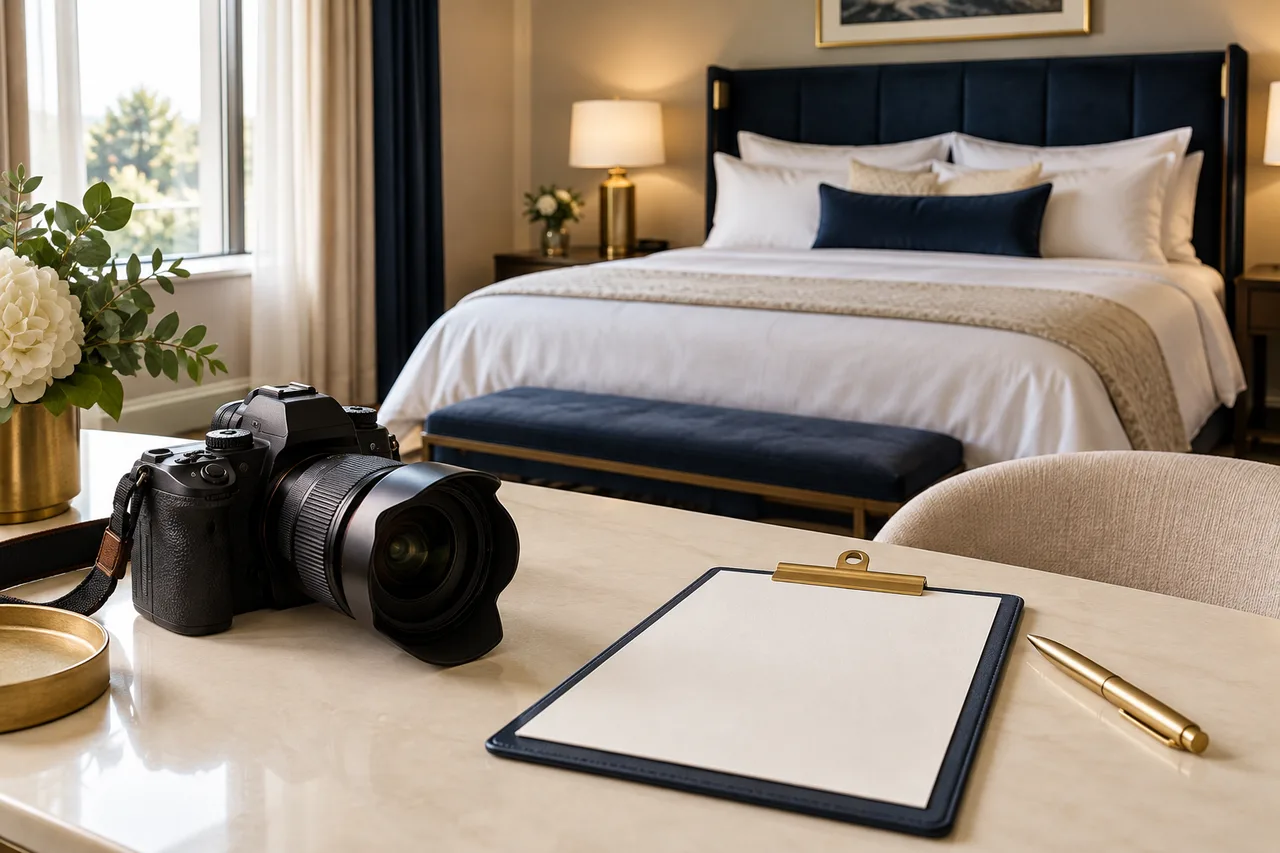
Use real property photographs to present actual accommodation. A clearly labelled conceptual AI illustration, such as this article’s camera scene, can illustrate an editorial topic. It is not evidence of a real hotel room and should not enter its room gallery.
What makes the assignment complete?
The agreed essential views are accepted, category labels are correct, permissions and file specifications are documented, and missing items are resolved. A large folder alone is not a completed assignment.
These guides are published by BirOtel. General methods, illustrative examples and current product capabilities are identified separately. Sources appear beside the relevant explanations.
[email protected]Explore these workflows for your own hotel
Use your room inventory and daily tasks to assess whether BirOtel fits your hotel in a live demo.