
Hotel operations
Hotel room TV not working? A front desk guide
Handle a guest's TV complaint with safe checks using the room's remote, clear guidance on casting, and a documented handoff to qualified staff.
The short answer
Ask whether the screen is blank, sound is missing, channels are affected or casting has failed. Stop use and follow the hotel's emergency procedure if there is a safety concern. Otherwise, explain the ordinary remote controls approved for the room. Arrange any visit with the guest's consent, assign unresolved faults to qualified staff, and agree when reception will update the guest and confirm the result.
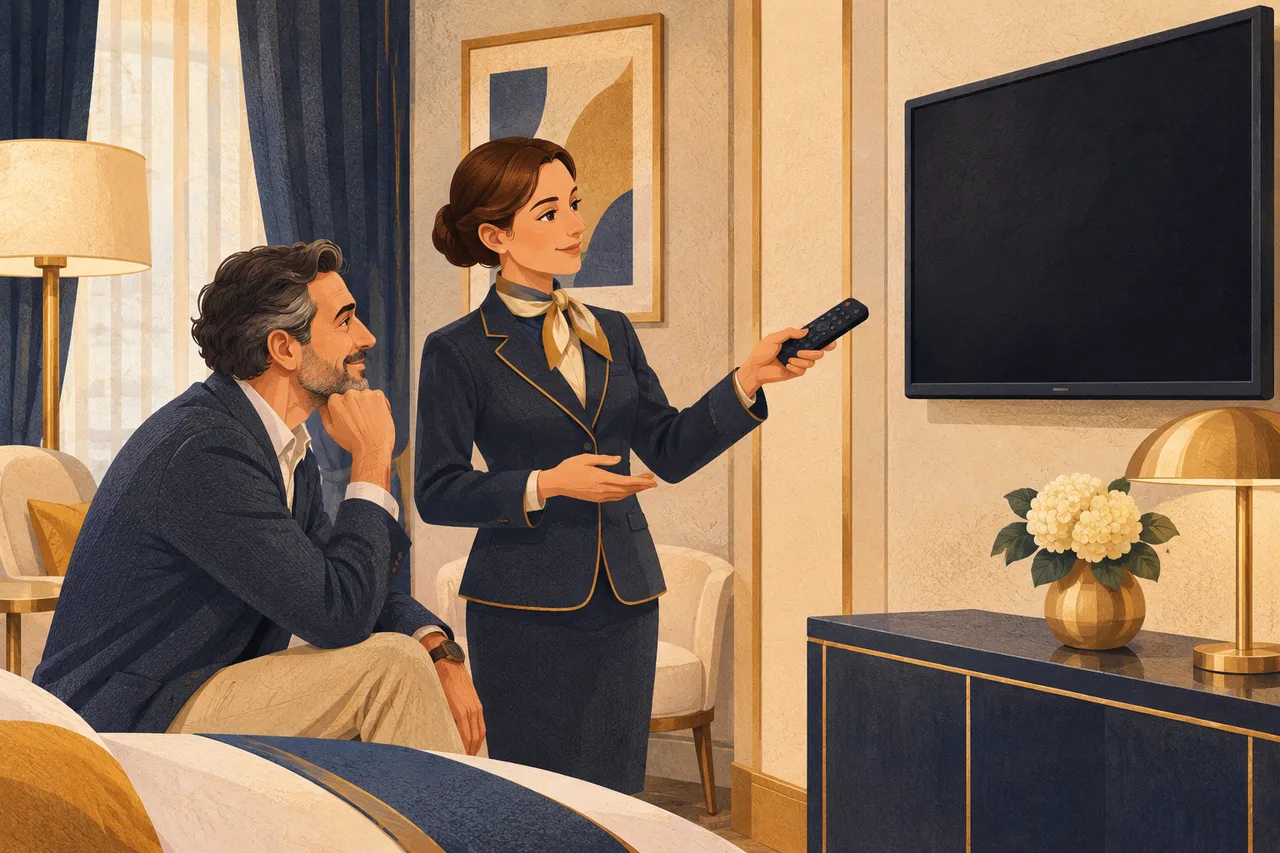
When a guest says the television in their room does not work, start by asking what they wanted to watch and what happened on screen. A blank screen, a muted channel and a phone that cannot cast each need a different response. Reception can explain the controls guests are meant to use, arrange help and keep the guest informed.
Establish what the guest is seeing
Confirm the room number and ask when the problem began and what the guest has tried. Write down the exact on-screen message if there is one. Ask about the symptom before offering any checks.
- Dark screen or no response. Ask whether the screen stays completely dark, a welcome screen appears or there is a message such as “No signal.” Record whether the remote produced any visible response.
- Picture with no sound. Ask whether sound is missing on one channel or across the hotel’s channels, if the guest has already tried more than one. A visible mute symbol is worth noting.
- A channel is missing or breaks up. Record its name or number and whether other listed channels still play. Check the property’s current channel list before treating an unlisted channel as a fault.
- Casting or a streaming app is unavailable. Ask whether the guest is trying to send video from a phone or use an app on the TV. Verify that the hotel offers that feature in this room before suggesting how to use it.
If the guest reports smoke, sparks, a burning smell, liquid near the equipment or a loose wall mount, ask them to stop using the TV and keep clear. Follow the hotel’s emergency procedure immediately. Leave the equipment untouched and pause ordinary checks.
Use the room’s approved controls
With the guest’s agreement, explain one familiar control relevant to the complaint. Depending on the room’s official guide, that might be the power button, mute or volume, a known channel, or the guest-facing button that returns to hotel TV. Ask what changed after that step. If the guest prefers, offer to arrange a visit.
Fort Pontchartrain, a Wyndham Hotel, directs guests to reception for ongoing television problems and describes involving technical staff when needed. Fort Pontchartrain guest guide
If the remote is missing or unresponsive, an authorized employee can try a property-approved replacement intended for that room’s equipment. Leave the wall mount, plugs and cables alone. Keep hotel mode, hidden service menus and network settings with qualified staff. Do not ask the guest for a password or one-time code, enter a personal account on their behalf, or use your own account to test a service.
Agree access, an owner and an update
Ask permission for a visit, agree a time window and record whether the guest wants to be present. If they defer the visit, note when to follow up. Assign an unresolved equipment or supported-service fault to a qualified colleague and make sure they accept it. Name the receptionist who will update the guest and agree a time. A repair estimate should come from the qualified colleague after assessment. Use the hotel’s maintenance fault report to record the details.
A fictional ticket for room 214
At 19:10 a guest calls because the screen shows “No signal” when they try to watch hotel channels. The documented TV button brings up the hotel screen, but the listed channels still show the message. The guest reports no warning signs and agrees to a technician’s visit.
| Ticket field | Example entry |
|---|---|
| Symptom and time | 19:10, room 214, “No signal” on hotel channels. |
| Check and result | Guest used the documented TV button. The hotel screen appeared and the channel issue persisted. |
| Access and assignment | Guest agrees to a 19:20–19:35 visit while present. The duty technician accepts the ticket. |
| Next guest update | Reception will call by 19:40, even if a technical assessment is still pending. |
Record the technician’s tests, including picture and sound on the affected channels. Reception then asks the guest whether the service they requested now works. If the call goes unanswered, record the attempt and carry forward the named owner and next action in the front desk shift handover.
If the technician needs more time, tell the guest what has been checked and what still needs investigating. Ask how they would like to hear from you and agree another update before ending the call.
Frequently asked questions
What if two rooms report the same channel problem?
Tell the technical contact about both reports, record the affected channels and times, and link the tickets when the hotel’s system permits it. Keep each room’s promised update.
When should reception offer a move or refund?
Bring requests to the authorized manager. A TV complaint alone should trigger neither an automatic room block nor a promise of a move or refund. Check property policy and verified alternatives before agreeing anything.
What if hotel channels work and casting does not?
Explain what the room supports. If the feature is offered and still fails after the property’s documented guest steps, route the issue to the appropriate technical contact. Let the guest choose whether the available channels meet their needs.
These guides are published by BirOtel. General methods, illustrative examples and current product capabilities are identified separately. Sources appear beside the relevant explanations.
[email protected]Explore these workflows for your own hotel
Use your room inventory and daily tasks to assess whether BirOtel fits your hotel in a live demo.